
















Watch your server live
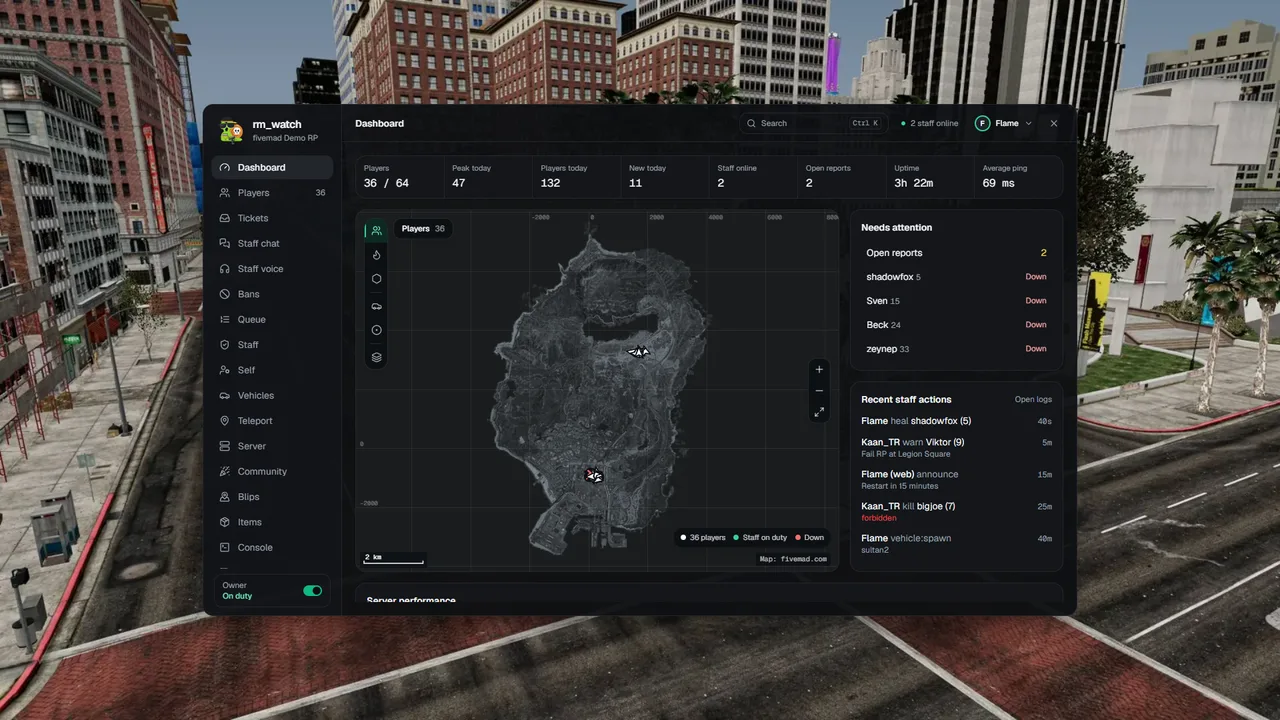
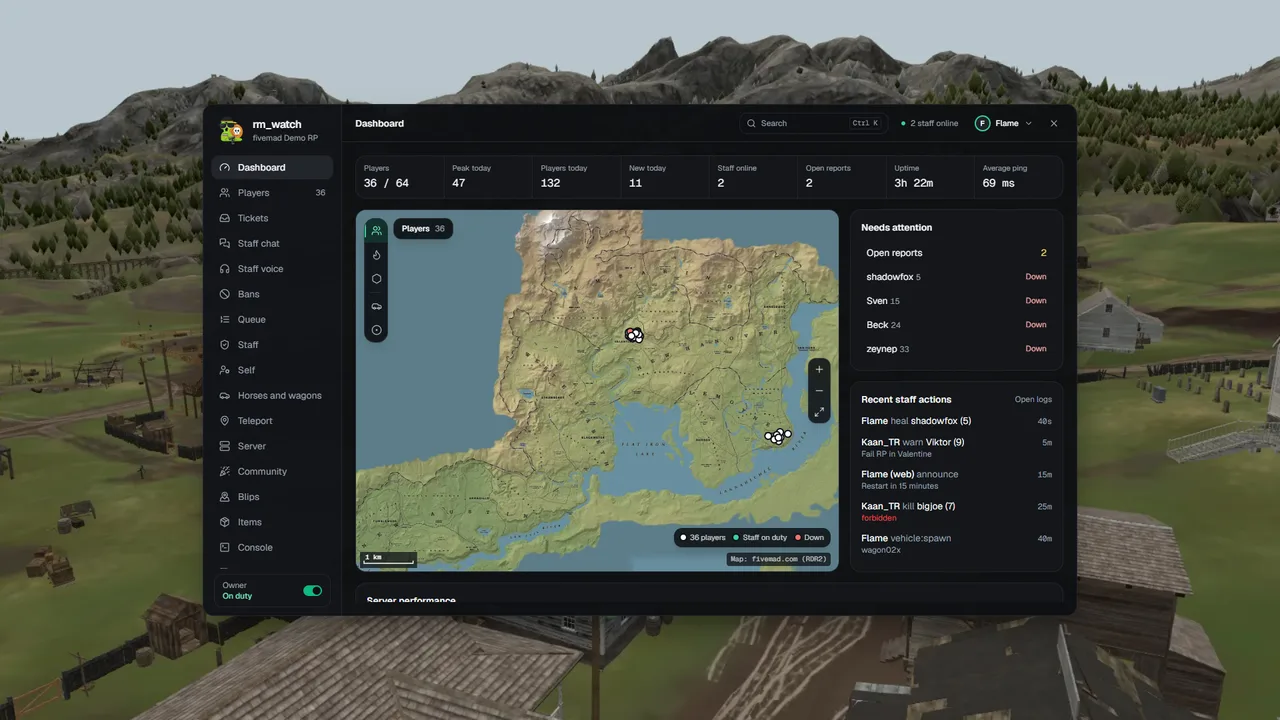
Every player on your FiveM or RedM server, on the real game map, in the car or on the horse they use. Moderate right from the map.
Already a customer? Log in with the Discord account you bought rm_watch with, or one your server owner added as staff.
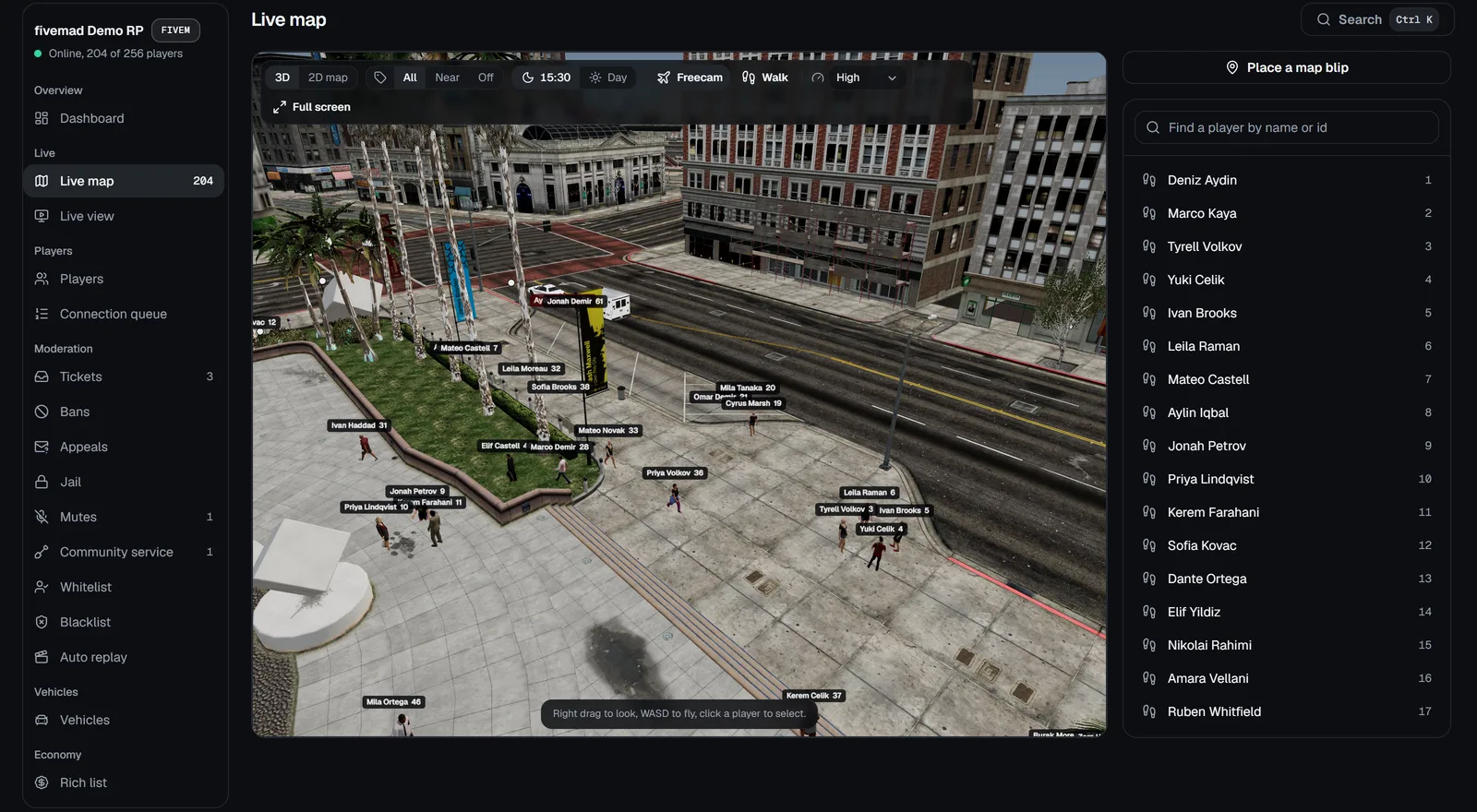

Open a demo server
Two servers full of simulated players, driving, riding and fighting. Open one and use the panel like an owner would: read only, no login.
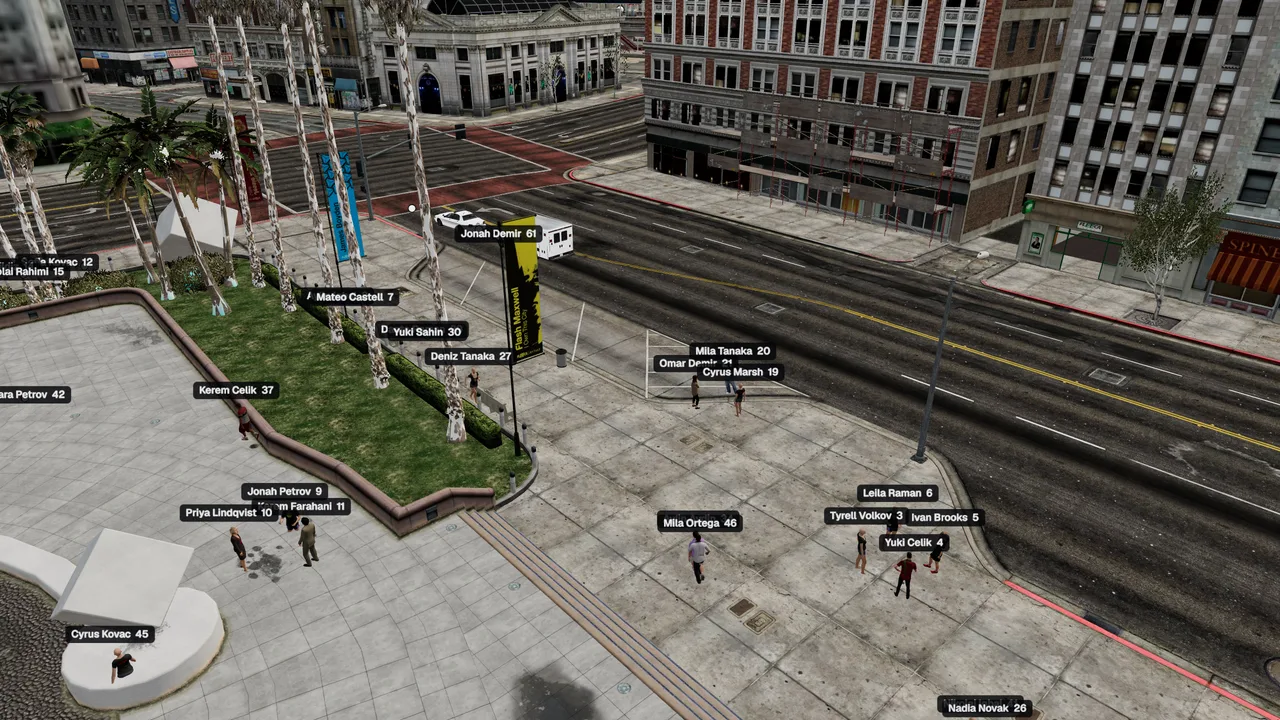
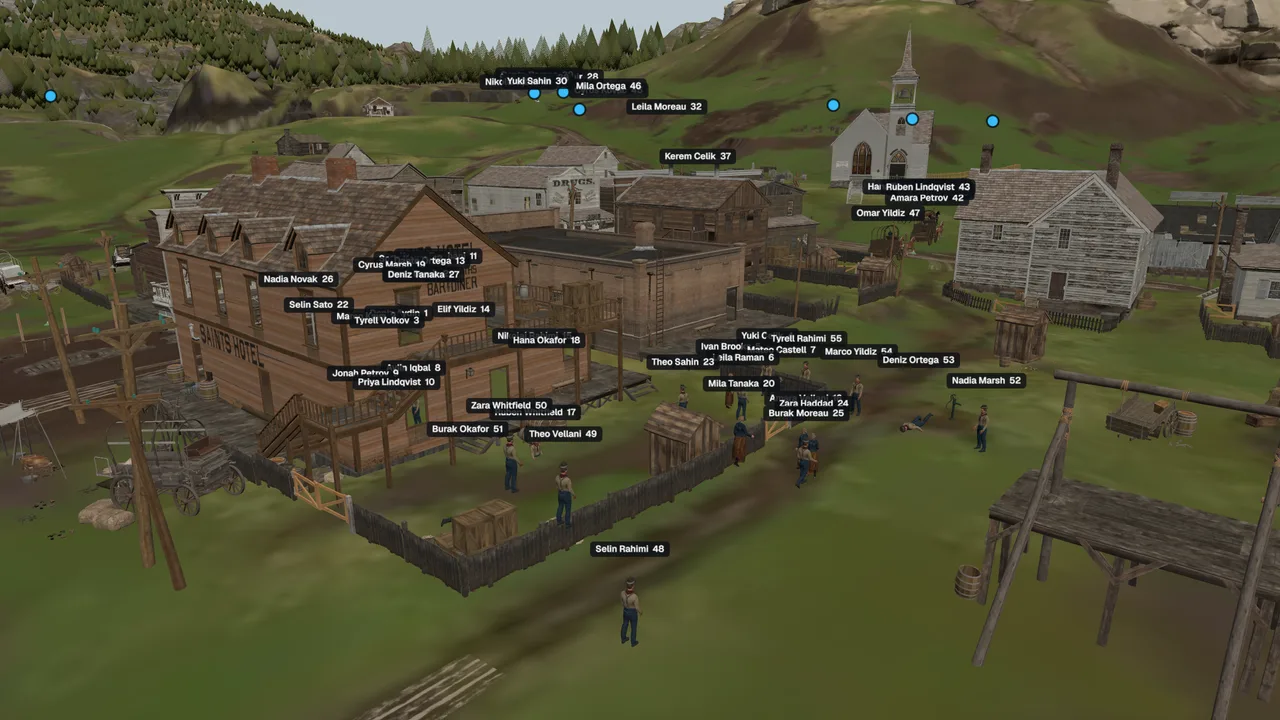
See it running
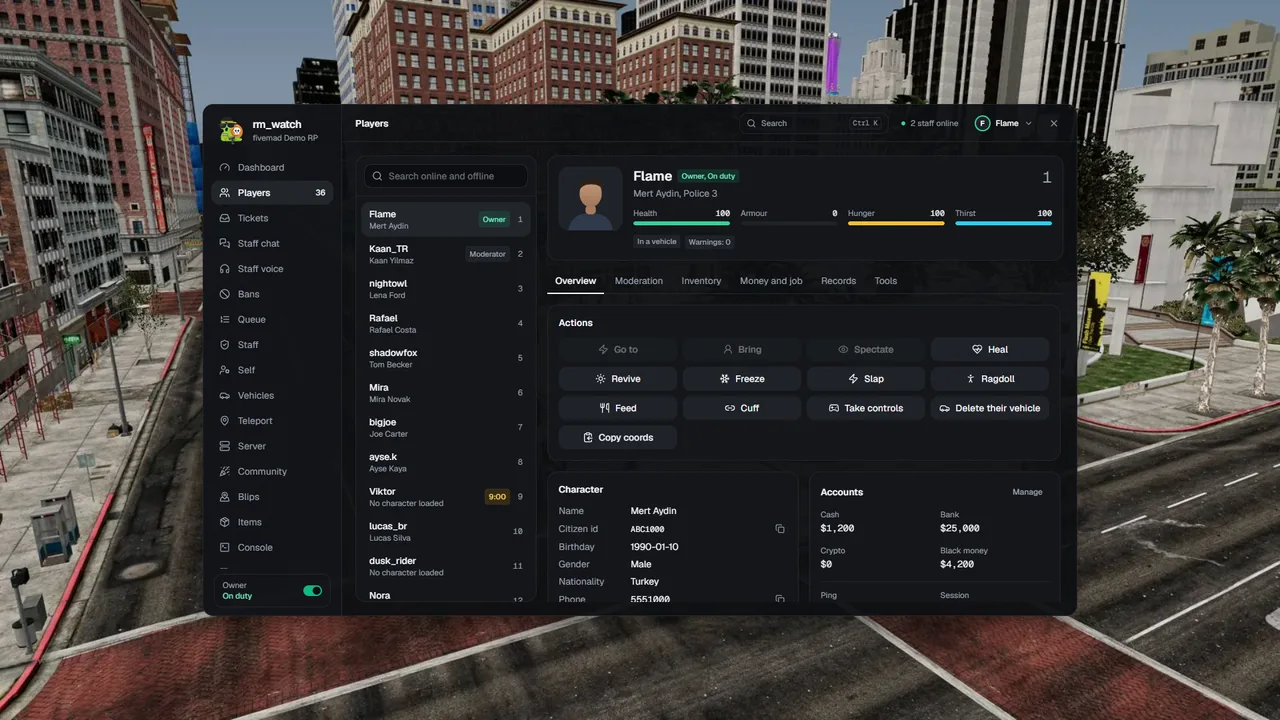
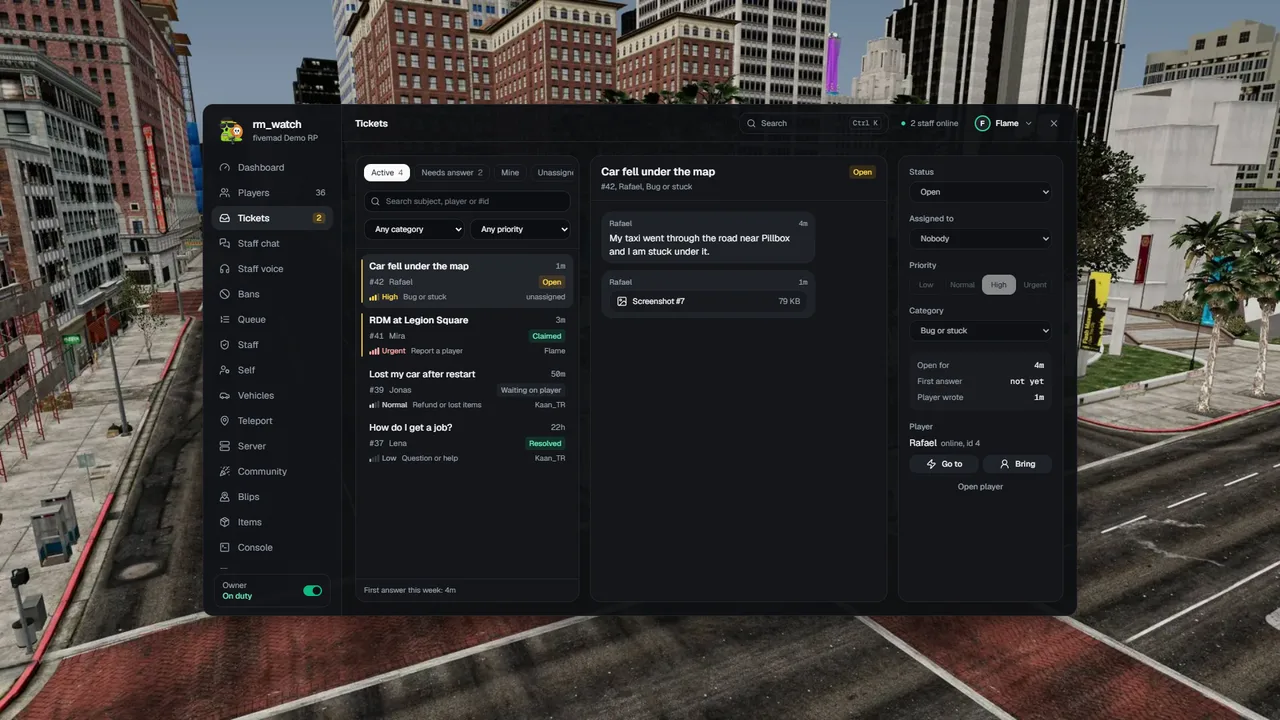
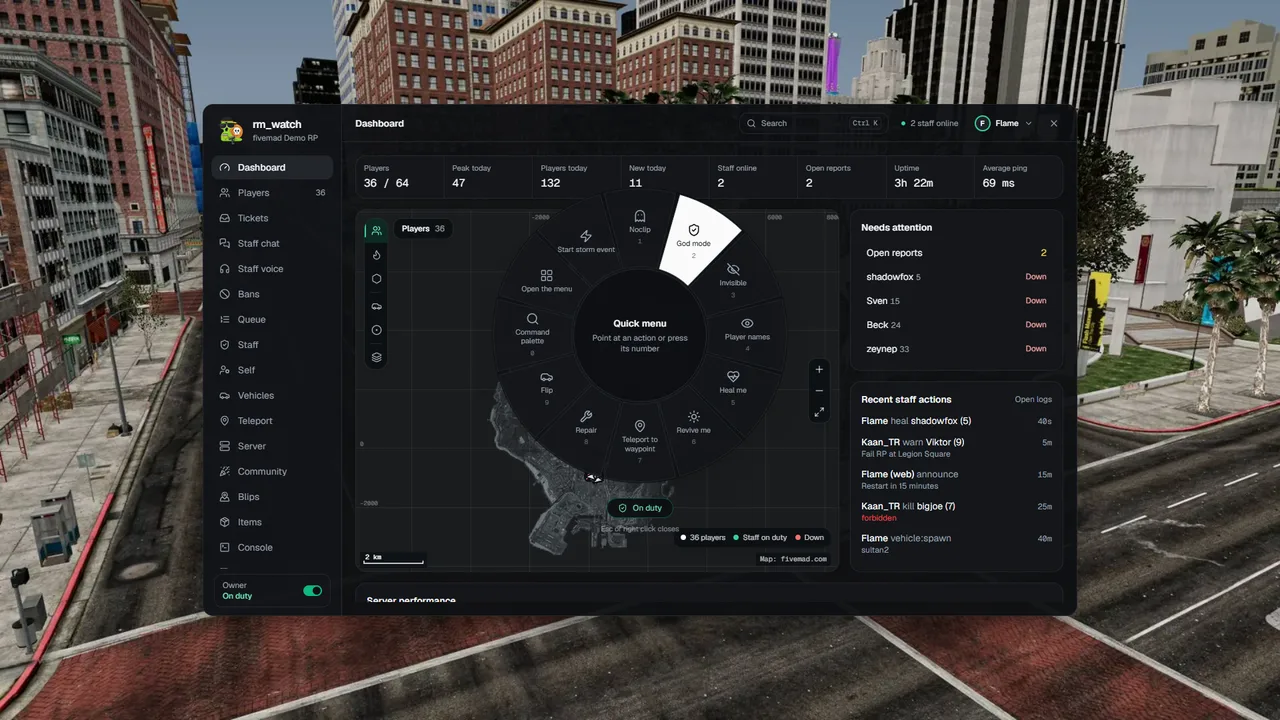
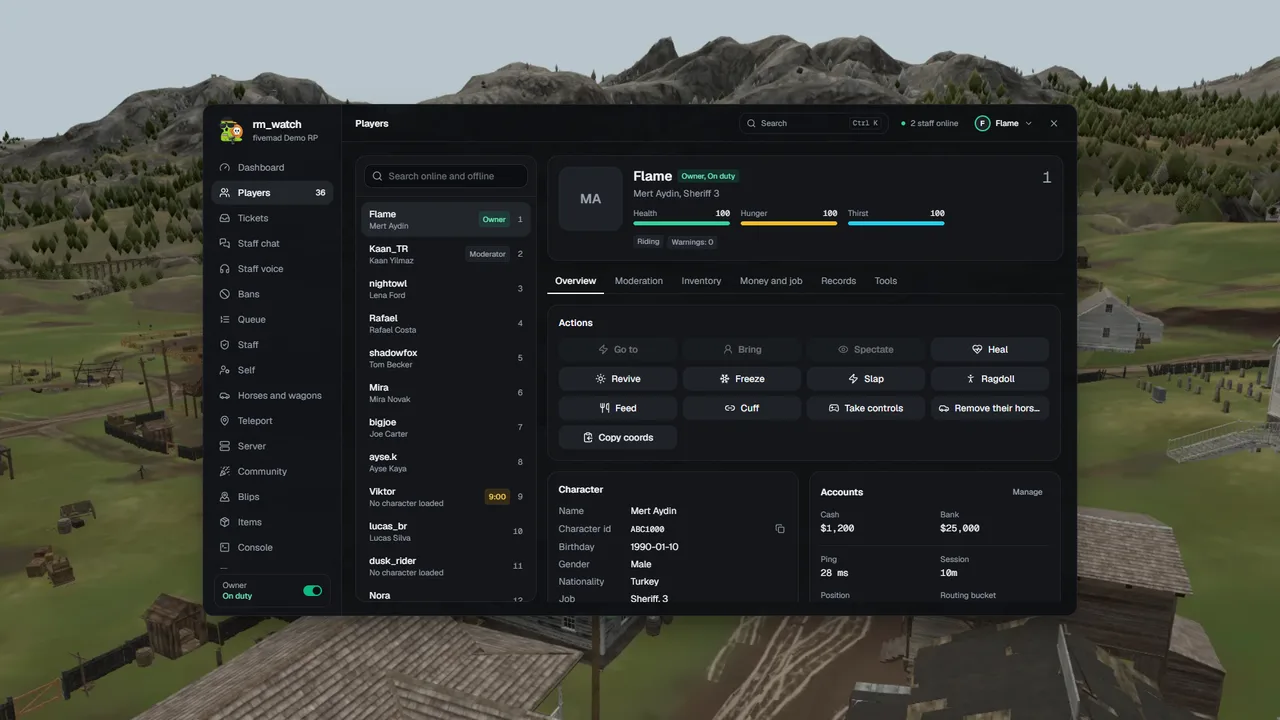
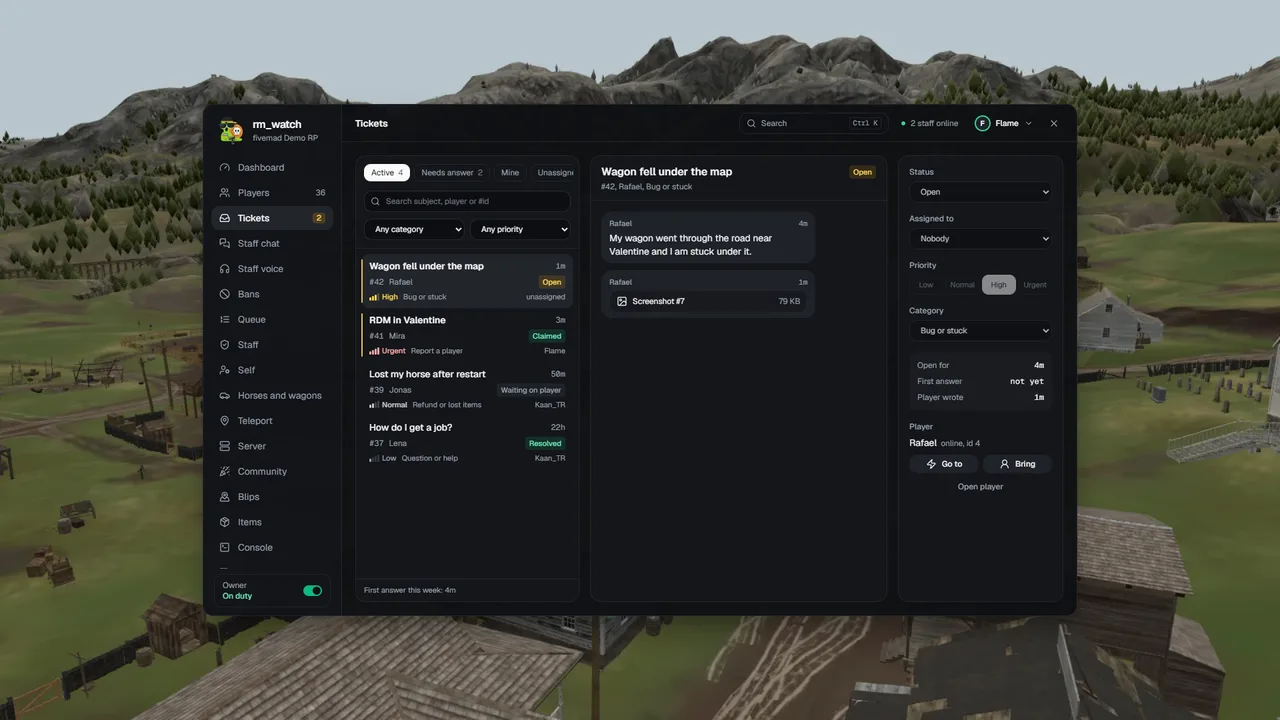
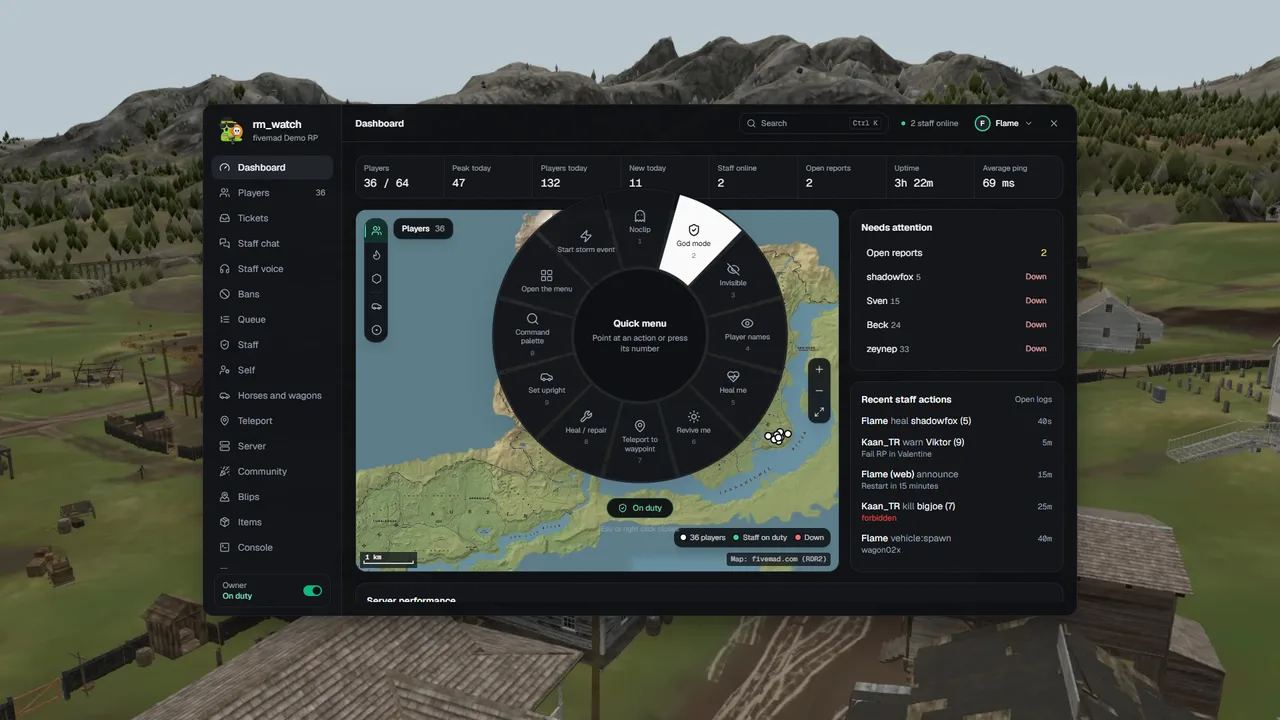
The panel on a live server, from opening the map to a command that lands in the game.
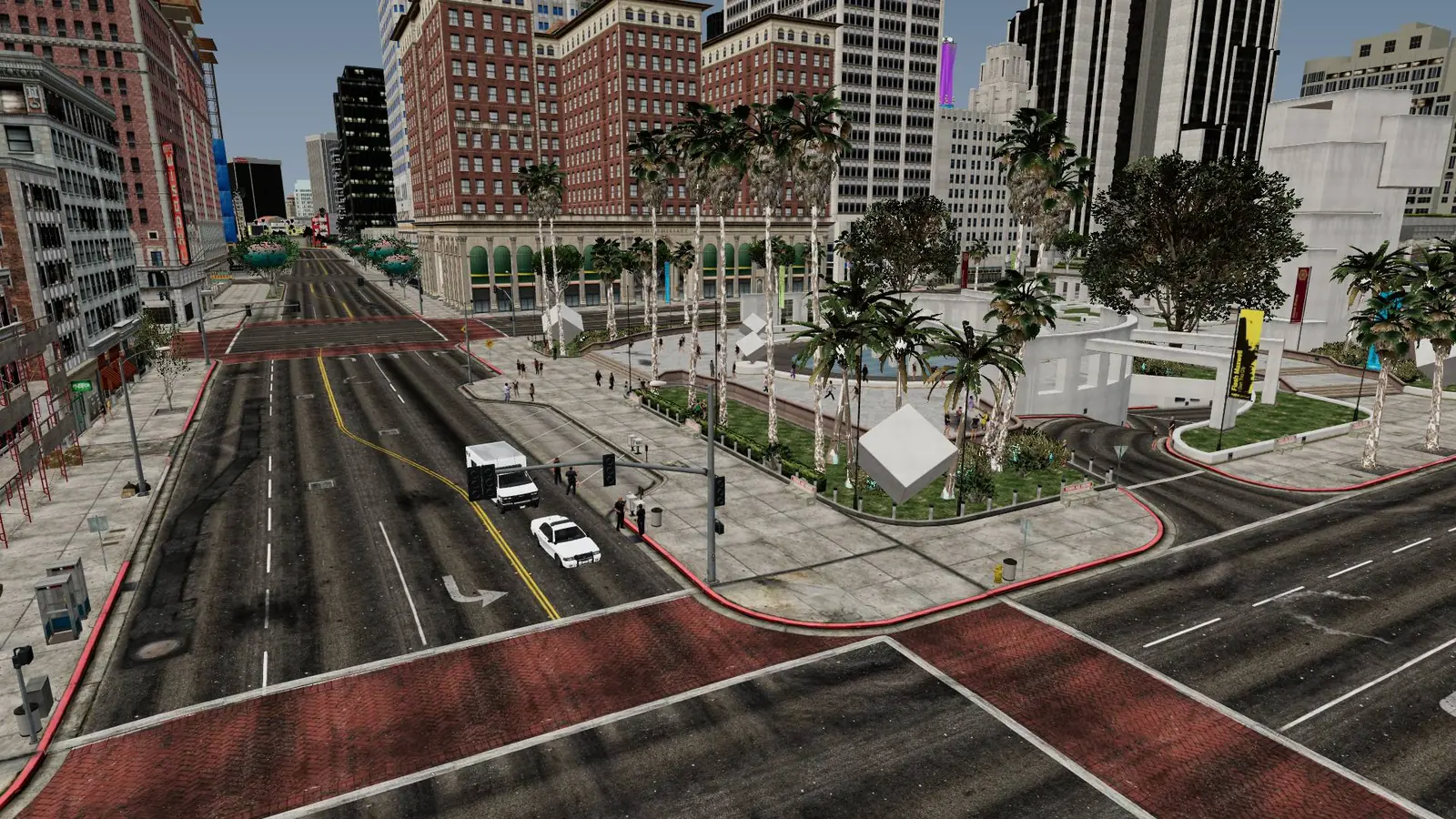
The same panel in game
Staff get the panel inside the game too, over the world, on FiveM and on RedM, so nobody has to tab out to deal with a report or a player. This is the menu itself, running in your browser with example players. Click through it.
Set it up in two minutes
Download it from the Cfx portal, add a few lines to server.cfg, claim your key here and press F6 in game. The same steps for FiveM and RedM, and one key works in both.
Read the setup guideAll frameworks, and yours
Qbox, QBCore and ESX on FiveM, VORP and RSG on RedM are found on their own. A server with no framework runs standalone, and a framework you wrote yourself plugs in with one file.
- FiveM edition
- QboxQBCoreESXStandaloneYour own
- RedM edition
- VORPRSGStandaloneYour own
Standalone keeps the panel whole
The menu, the live map, spectate, bans, jail, tickets, staff chat and the Discord bot need no framework. Money, jobs and character sheets do, and they stay out of the way until you have one.
Your other scripts too
Adapters ship for the common scripts and are picked up on their own. Every one is an open file, so a script that is not on the list takes one small file of your own as well.
| Scripts | FiveM | RedM |
|---|---|---|
| Inventories | 8 | 2 |
| Vehicle keys | 9 | your own |
| Notifications | 8 | 3 |
| Medical (revive) | 3 | 2 |
| Clothing menus | 3 | 3 |
| Weather | 2 | 1 |
Copy the template
bridge/framework/custom.lua ships with both editions. Copy it under your own name so an update never replaces it.
Name it in cfg.lua
cfg.bridge.framework = 'mycore'. The file only runs when cfg.lua names it.
Write what you have
Each function switches on the part of the menu that uses it. One you leave out answers "refused", never an error.
The same goes for an inventory of your own: bridge/inventory/custom.lua, five functions. The resource's docs walk through every function and what it switches on.
Run the server from Discord
The fivemad Watch bot brings the panel into the Discord your staff already sit in. Look a player up, ban, answer a ticket or schedule a restart from a phone, without opening the game or a browser.
Your roles become your staff
Map a Discord role to a staff group once. Whoever holds the role gets the group on the panel and in the game, and whoever loses it loses the group.
No new keys to the server
The bot holds no power of its own. Every command goes to fivemad as the person who typed it and passes the same checks and the same audit log as the web panel.
Only the noise you ask for
Answers are only visible to the person who asked. Tickets, appeals, bans, restarts and the server going down each post to the channel you pick, or nowhere.
Two minutes to set up
Invite the bot from your panel, type /watch link with the code it shows you, pick your channels. There is no bot of your own to host.
Flame used /player
fivemad Watch APP
Only you can see this
fivemad Watch APP
Flame used /ban
fivemad Watch APP
Only you can see this
# bans
fivemad Watch APP
Flame used /server
fivemad Watch APP
Only you can see this
# tickets
fivemad Watch APP
Flame used /tickets reply
fivemad Watch APP
Only you can see this
The bot's own answers, word for word. The players and numbers are examples.
Every command
29 commands. Who can run which one follows their staff group on your server.
Players
/player
A player's profile with action buttons
/players
Who is online
/staff
Staff online in game and whether they are on duty
/dm
Send one player a message in game
Moderation
/kick
Kick a player
/warn
Warn a player
/ban
Ban a player
/bans
Recent bans
/unban
Lift a ban
/jail
Jail a player
/unjail
Release a player from jail
/mute
Mute a player in chat, voice or both
/freeze
Freeze or unfreeze a player
/whitelist add | remove
The server whitelist
Tickets and appeals
/tickets list | view | reply | claim | close
Player tickets
/appeals list | view | accept | deny | ask
Ban appeals
Help on the spot
/heal player | all
Heal a player, or everyone
/revive player | all
Revive a player, or everyone
Economy
/money
Change a player's money
/job
Set a player's job
/item give | remove
Give or take items
Vehicles
/vehicle give | lookup | repair | delete | owned
Vehicles
Server and world
/server
Server status and performance
/restart schedule | cancel
Restart the server with a countdown (owner)
/announce
Announce a message to everyone in game
/weather
Set the weather
/time
Set the time of day
/poll create | list | close
Polls in game
Setup
/watch link | unlink | me | help
Link this Discord server to an rm_watch server, or see what you can do